Top 5 Tips for Optimizing Your Smart WiFi
In today's connected world, having a reliable and high-speed internet connection is essential. To make the most of your smart WiFi, consider these top 5 tips for optimization.
1. Choose the Right Router: When purchasing a smart WiFi router, look for features like dual-band support, MU-MIMO technology, and high-speed capabilities. These features enhance connectivity and performance across multiple devices.
2. Optimize Placement: Position your router in a central location in your home, elevated and free from obstructions. This ensures maximum coverage and minimizes dead zones.
People Also Look For:
- EIGHTREE Smart Plug with Energy Monitoring and Cost Estimation, 13A, 2.4GHz
- TP-Link Deco X10(3-Pack) AX1500 Whole Home Mesh WiFi 6 System
- Tapo P110(4-pack) Smart Plug, Energy Monitoring WiFi Plug, Max 13A
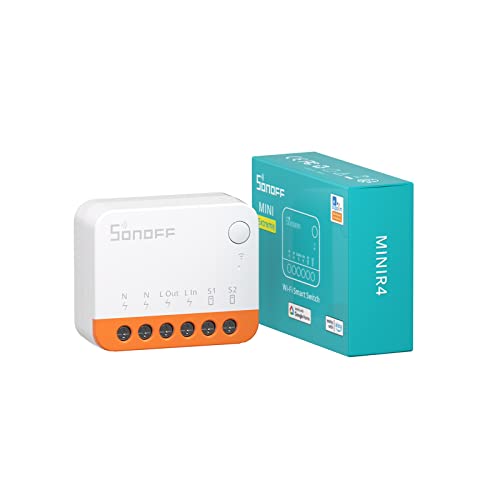
- SONOFF Wi-Fi Smart Switch 10A 2400W, Smart Relay Switch Works With Alexa/Google Home Assistant, Remote Control & Scheduled, Neutra...
- SONOFF Basic DIN Rail (BASIC-1GSP) WiFi Smart Switch for DIN Rail, Matter over WiFi Smart Home Controller, 32A High Load Electrica...
3. Regularly Update Firmware: Keeping your router's firmware up to date is crucial for security and performance enhancements. Check for updates regularly to ensure your device runs smoothly.
4. Secure Your Network: Protect your WiFi with a strong password and consider using WPA3 encryption. This helps prevent unauthorized access and keeps your data safe.
5. Monitor Connected Devices: Use your router's app or interface to monitor connected devices. Disconnect any unfamiliar devices and manage bandwidth to prioritize important activities.
By following these tips, you can significantly enhance your smart WiFi experience, ensuring fast and reliable internet connectivity for all your needs.